RTX 4050 and 4060 Laptop Wattage: How to Find Your Model's Real TGP Before You Buy
Two laptops with the same RTX 4060 can perform very differently. Learn how to find a laptop's real TGP wattage before you buy, and what to do if it is capped.
By NvpwrControl Team · RTX 4060 · RTX 4050 · laptop TGP · buying guide · GPU power limit
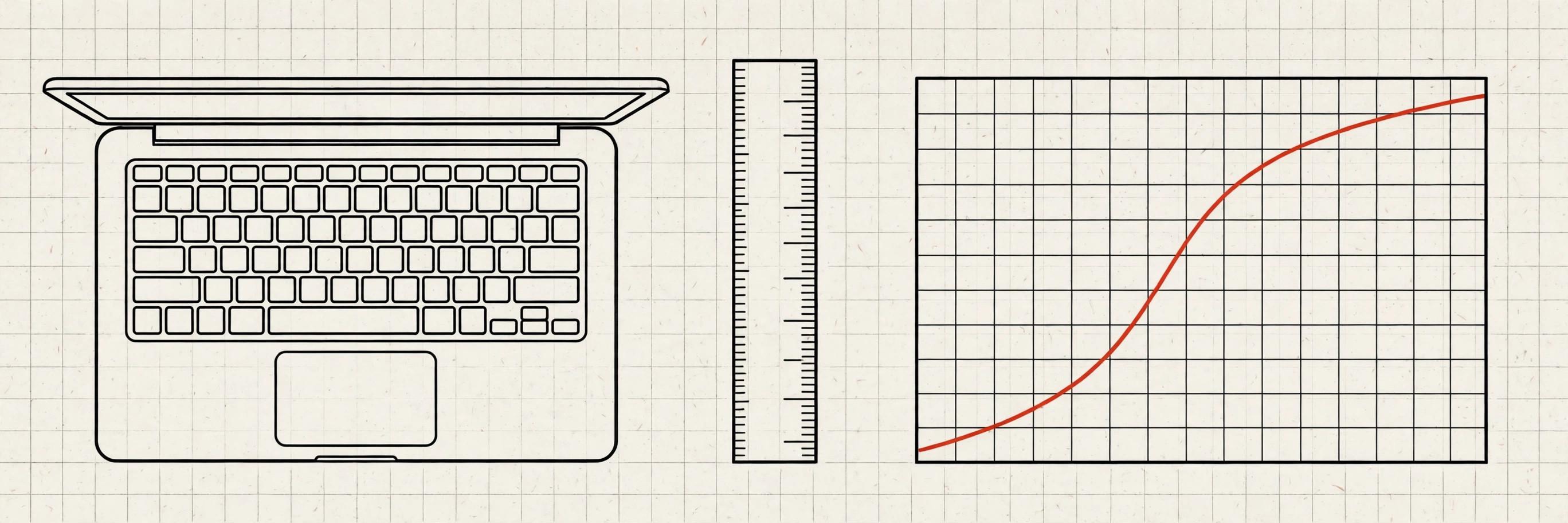
The same GPU, two very different laptops
Walk into a shop and you will see two laptops, both with an "RTX 4060" sticker, both at similar prices. One of them will run your games noticeably faster than the other. The difference is not the GPU — it is the wattage the laptop lets that GPU use.
That wattage is called TGP, short for Total Graphics Power. It is the power budget the graphics chip is allowed to draw, and on laptops it is set by the manufacturer, not by NVIDIA. For the RTX 4060 laptop, the stock limit tops out at 120W. For the RTX 4050 laptop, it tops out at 115W. But many models ship well below those ceilings, especially thin ones. A 4060 running at 85W and a 4060 running at 120W are the same silicon behaving like two different cards.
This guide shows you how to find a laptop's real wattage before you hand over your money — and what to do if you already bought one that is running below its potential.
Why TGP matters more than the GPU name
A GPU's name tells you which chip is inside. TGP tells you how hard that chip is allowed to work. Power and clock speed are directly linked: give a chip more watts and it can hold higher boost clocks for longer. Starve it of watts and it throttles down, no matter how good the silicon is.
That is why an RTX 4060 at its full 120W can outperform an RTX 4070 running at a low wattage in the same game. It is also why "RTX 4060 laptop" is not a performance specification on its own. The chip is only half the story; the power budget is the other half.
NVIDIA also shares power between the CPU and GPU on most gaming laptops through Dynamic Boost, shifting watts to whichever part needs them at the moment. So the number that matters in practice is the wattage the GPU can actually sustain under load, not a peak figure on a marketing slide.
How to find the real wattage before you buy
1. Check the manufacturer's spec page
Start with the official spec sheet for the exact model — not the series page, the specific configuration. Look for "TGP", "Total Graphics Power", "maximum graphics power", or a wattage figure next to the GPU listing. Some makers publish it clearly; others bury it or omit it entirely. If the number is missing, treat that as a warning sign and keep digging.
2. Search the exact model name plus "TGP"
Reviewers and owners almost always measure and publish the real wattage. Search for the full model name — including the year and configuration, since the same model name can hide different wattages across years — plus "TGP" or "wattage". A review that shows power draw under load is worth more than any spec sheet.
3. Check it in person with GPU-Z or HWiNFO
If you can get your hands on the laptop, this is the definitive test. Install GPU-Z and look at the power limit it reports, or run HWiNFO's sensors and watch the GPU power draw while a game or benchmark is running. The number under sustained load is the truth. On a demo unit in a store, even a quick benchmark run will show you whether the GPU is sitting near 120W or throttling far below it.
4. Compare the adapter and the cooling
Two indirect clues are worth checking. First, the power adapter: a laptop whose GPU and CPU together need more watts than the adapter can supply will throttle or drain the battery under load. Second, the chassis: a thin laptop with a single fan simply cannot cool a GPU running at full wattage for long. Thick chassis, dual fans and big vents are not a guarantee of high TGP, but a thin chassis is a strong hint of a low one. The same logic applies across the whole RTX 40 and RTX 50 series laptop range: every model has a stock ceiling set by its maker, and the gap between that ceiling and what a given laptop actually ships with is where the surprises hide.
RTX 4050 vs RTX 4060: what the wattage gap means
The RTX 4050 and RTX 4060 laptops are the most popular mid-range gaming GPUs, and the wattage story is the same for both: the stock ceiling is 115W for the 4050 and 120W for the 4060, but individual models ship anywhere below that.
When you are choosing between them, do not compare the names — compare the wattages. A full-power RTX 4050 at 115W can come surprisingly close to a low-wattage RTX 4060, while a full-power RTX 4060 at 120W pulls clearly ahead. If the 4060 model you are eyeing runs at 85W and the 4050 model runs at its full 115W, the cheaper card may be the better buy. That is the whole point of checking the number first.
What if you already bought a low-wattage model?
If the laptop is already yours, the power limit is not necessarily fixed. Tools like MSI Afterburner can shift clocks on a laptop GPU, but they cannot raise the laptop's power ceiling — the limit itself is set elsewhere. NvpwrControl works with the NVIDIA driver directly to raise that ceiling: an RTX 4060 laptop can go from 120W stock up to 150W, and an RTX 4050 laptop from 115W up to 140W, adjusted in 5W steps. It never flashes the VBIOS, it backs up driver settings before changing anything, and it checks the GPU, PCI IDs, driver and VBIOS against the live power policy before any write. After setting the maximum limit and rebooting, you set the runtime limit while the GPU is idle, and an auto-reapply option re-sets it after mode switches such as MSI Center changes.
That headroom is real — but it is not free. Raising the limit means more heat on the GPU, VRAM, VRMs and cooling, and your adapter has to supply the combined GPU-plus-CPU wattage or the laptop will throttle or drain its battery. Raise the limit in steps, monitor temperatures with HWiNFO or GPU-Z, and keep in mind that warranty depends on the laptop maker. If your cooling or adapter cannot keep up, a higher limit buys you nothing but a hotter laptop.
A quick checklist before you buy
- Find the TGP for the exact model and year — spec page, reviews, or GPU-Z on a demo unit.
- Compare wattage, not just GPU names — a full-power 4050 can rival a throttled 4060.
- Check the adapter wattage — it must cover the GPU plus the CPU under load.
- Look at the cooling — thin chassis and small fans mean low sustained wattage.
- Search for real measurements — reviewers publishing power draw under load are the most reliable source.
- Know your upgrade path — if the model you like ships below its ceiling, a driver-level tool can raise the limit later, within the validated ranges and your cooling's ability to cope.
The GPU sticker gets the attention, but the wattage decides the performance. Spend five minutes checking the real TGP before you buy, and you will not pay full price for a card that is only allowed to run at half speed.
Notes — Questions this entry raises
What is the stock TGP of an RTX 4060 laptop?
It depends on the laptop. NVIDIA lets manufacturers set the RTX 4060 laptop's power limit anywhere up to 120W at stock, and some thin laptops ship well below that. Two machines with the same GPU name can have very different real wattage — always check the specific model before buying.
What is the stock TGP of an RTX 4050 laptop?
The RTX 4050 laptop's stock limit tops out at 115W, but many thin-and-light models ship lower. The exact number is set by the laptop maker, not by NVIDIA alone, so the spec sheet or a tool like GPU-Z is the only reliable source for a given model.
Why does TGP matter more than the GPU name when buying a laptop?
TGP — Total Graphics Power — is the wattage budget the GPU can actually use. A higher TGP lets the same chip hold higher clocks for longer, which is why an RTX 4060 at 120W can beat an RTX 4070 running at a low wattage. The GPU name tells you the chip; the wattage tells you how fast it is allowed to run.
Can you raise the power limit on an RTX 4050 or 4060 laptop after buying it?
Yes, within limits. NvpwrControl works with the NVIDIA driver to raise the laptop GPU power limit — RTX 4060 laptops can go from 120W stock up to 150W, and RTX 4050 laptops from 115W up to 140W — in 5W steps. It never flashes the VBIOS. Raising the limit means more heat, so check your cooling and adapter wattage first, and note that warranty depends on the laptop maker.
How do I check a laptop GPU's TGP before I buy it?
In a store, open GPU-Z or HWiNFO on the demo unit and read the power limit. Online, check the manufacturer's spec page for a TGP or 'maximum graphics power' figure, read reviews that measure wattage under load, and search for the exact model name plus 'TGP' — owners and reviewers usually publish it.
Does a higher-wattage RTX 4060 laptop cost more?
Often, but not always. Higher-TGP models usually come in thicker chassis with bigger cooling and beefier adapters, which costs more. But some well-cooled mid-range laptops ship at full wattage for the same price as a thin low-wattage rival — which is exactly why checking the real number before you buy pays off.
Table — Keep reading