VBIOS Flashing vs Driver-Level Power Control: Risks Compared
VBIOS flashing and driver-level power control both raise laptop GPU power limits, but the risks differ. Compare permanence, reversibility and failure modes.
By NvpwrControl Team · VBIOS · power limit · TGP · laptop GPU · overclocking · gaming laptop
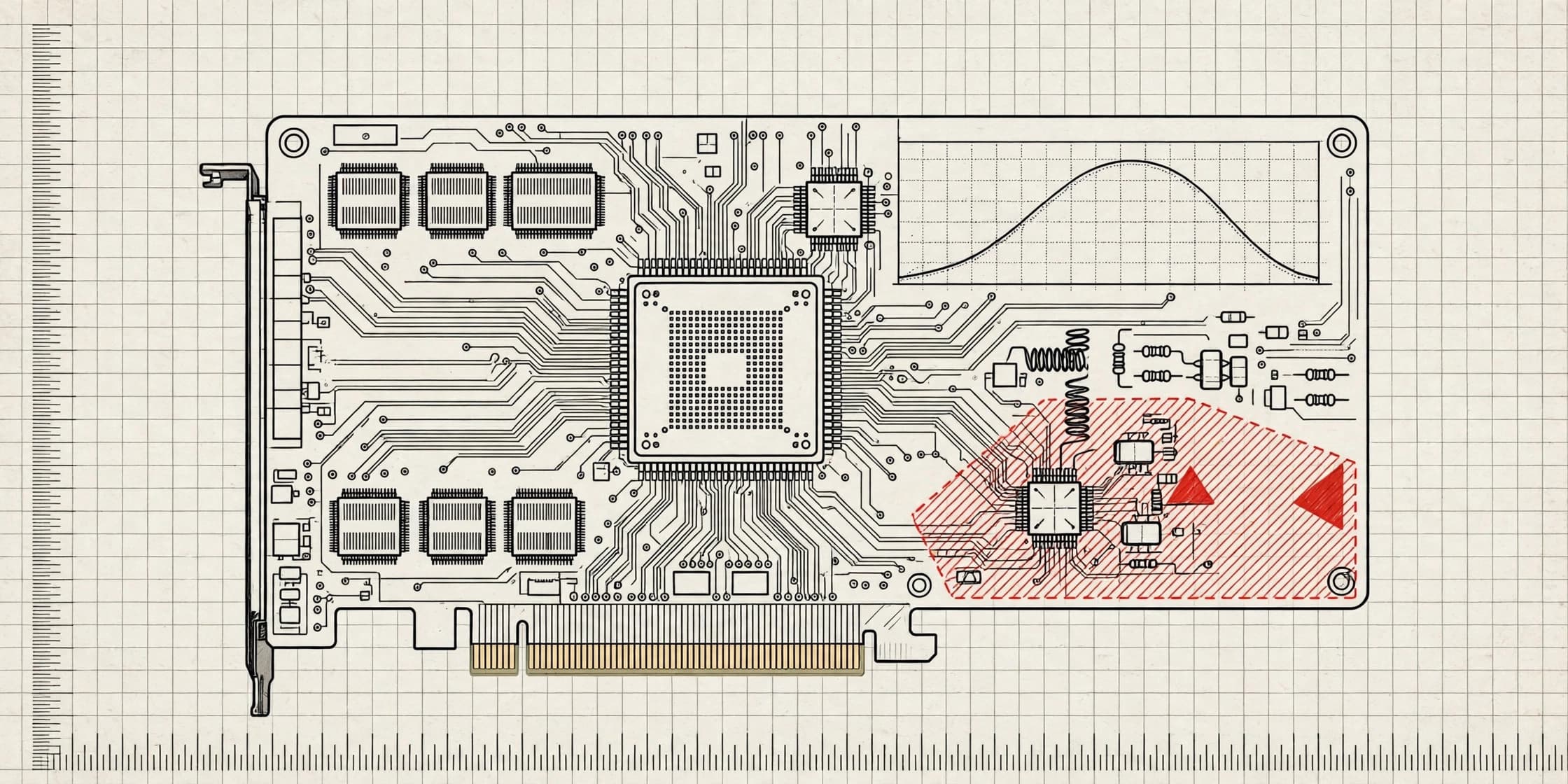
If you have ever researched how to raise a laptop GPU's power limit, you have run into two very different methods. One is VBIOS flashing: replacing the firmware on the graphics card with a version that carries a higher power ceiling. The other is driver-level power control: changing the power policy through the NVIDIA driver, without touching firmware at all.
Both can raise the ceiling. The difference is what happens when something goes wrong, and how hard it is to get back to stock. This article compares the two approaches honestly, including the risks of each, so you can make an informed choice.
Why laptop GPUs have a power ceiling in the first place
A laptop GPU's power limit, usually quoted as TGP (Total Graphics Power), is set by the laptop maker, not by NVIDIA alone. The same silicon can ship at very different wattages depending on the cooling system, the power adapter and the chassis it sits in. An RTX 4090 Laptop, for example, ships at a stock limit of 150W in the configurations NvpwrControl supports, while the desktop RTX 4080 uses the same AD103 silicon at 320W. The laptop version is capped because the laptop's cooling and power delivery were designed around that lower number.
That cap is why two laptops with the "same" GPU can perform differently, and why raising the limit is attractive at all. The question is how you raise it.
What VBIOS flashing actually does
Every GPU carries a small firmware chip containing its VBIOS (video BIOS). Among other things, the VBIOS defines the power limits the card will report and enforce, along with clock tables, fan behaviour and memory timings.
Flashing means writing a different VBIOS file onto that chip, typically one taken from a higher-wattage laptop model with the same GPU, or a modified version with the power limit edited upward. Once written, the new limit is part of the card itself. It survives driver updates, operating system reinstalls and reboots. To go back, you flash again.
That permanence is the appeal, and it is also the core risk.
The risks of VBIOS flashing
A bad flash can brick the GPU. If the flash process is interrupted by a power loss, a crash or a bad file, the GPU may no longer initialise. On a desktop card, recovery is often possible: you boot with a second card, or use a hardware programmer to rewrite the chip. On a laptop, the GPU is soldered to the board in most cases, so there is no spare slot and no easy swap. Recovery may mean a repair shop, a board replacement, or a dead laptop.
The wrong VBIOS can cause subtle damage. A VBIOS from a different laptop model may assume different memory chips, a different voltage regulator layout, or a different cooling design. Even if the card boots, mismatched memory timings or voltage tables can cause instability, crashes, or long-term stress on components that were never designed for that configuration. The card may appear to work while quietly running outside its safe envelope.
It is hard to undo cleanly. Reverting requires flashing again, which carries the same interruption risk as the first flash. And you need a valid backup of your original VBIOS. If you skipped the backup step, or the backup file is corrupt, there may be nothing safe to flash back to.
Warranty exposure is high. A flashed VBIOS is firmware modification, and it is detectable. If a laptop maker inspects the card during a warranty claim, a non-original VBIOS is difficult to explain away. Warranty policies differ by manufacturer, so the exact consequences vary, but flashing is the modification most likely to be treated as grounds for refusal.
It is all-or-nothing. A VBIOS carries a fixed set of limits and tables. You cannot easily nudge the limit up by 5W, test, and nudge again. You take whatever the replacement firmware specifies, which may be a much larger jump than your cooling can handle.
What driver-level power control does instead
Driver-level power control leaves the firmware alone. It works with the NVIDIA driver to change the live power policy: the maximum power the GPU is allowed to draw, and the current runtime limit.
NvpwrControl takes this approach. It is a portable Windows app: you extract the zip and run NvpwrControl.exe as an administrator, with no installation. It never flashes VBIOS. Before changing anything, it backs up driver settings and checks the GPU, PCI IDs, driver and VBIOS against the live power policy, so it only writes a change that matches your actual hardware.
The workflow is deliberately staged. You set the MAX limit, save, and reboot; then you set the CURRENT runtime limit while the GPU is idle. Limits adjust in 5W steps, so you can raise the ceiling gradually and watch what happens at each step instead of jumping straight to the maximum.
There are also controls for clock offsets: core clock offset up to plus or minus 1000 MHz and memory offset up to plus or minus 3000 MHz through NVAPI, plus experimental voltage-frequency curve control. Telemetry covers clocks, voltage, power, temperature, hotspot, P-states and power rails, so you can see what the change is actually doing rather than guessing.
The risks of driver-level control
Driver-level control is lower risk than flashing, but it is not risk-free, and any honest guide should say so.
Heat is still heat. Raising the power limit means the GPU, its VRAM and its voltage regulators produce more heat, and the laptop's cooling system has to move it. If the cooling cannot keep up, the GPU will throttle, and sustained high temperatures shorten component life. Raise in steps, and monitor with HWiNFO or GPU-Z.
Your adapter has to keep up. The power adapter must supply the combined draw of the GPU and CPU. If it cannot, the system throttles, or it drains the battery even while plugged in. A higher GPU limit buys nothing if the adapter becomes the new bottleneck.
Warranty still depends on the maker. Driver-level changes are reversible, which matters if you need warranty service, but they are still modifications to how the hardware runs. Warranty depends on the laptop maker, so check the policy for your machine before changing anything.
Software can be undone, physics cannot. Reverting a driver-level change removes the override, but it does not undo any heat stress the hardware already experienced. That is why the step-by-step approach matters: small increments, watched temperatures, and stopping when thermals or stability say stop.
The key advantage: reversibility
The practical difference is what "undo" looks like. With NvpwrControl, Reset all returns everything to stock and removes the override and autostart. There is no firmware to re-flash, no backup file to hunt for, and no window during which a power cut leaves you with a dead GPU. The auto-reapply option, which re-sets the limit after MSI Center mode switches with a 1 to 10 second delay via a kernel event, is also just a driver-level setting, not a firmware change.
Side-by-side comparison
| VBIOS flashing | Driver-level control | |
|---|---|---|
| What changes | GPU firmware | Live driver power policy |
| Survives driver reinstall | Yes | No (that is the point) |
| Reversible | Only by flashing again | Yes, reset returns to stock |
| Brick risk from interrupted write | Yes, potentially unrecoverable on a laptop | No firmware write takes place |
| Adjustment granularity | Fixed by the replacement VBIOS | 5W steps |
| Pre-change safety checks | Manual; depends on the user | Driver settings backed up, hardware checked against live policy |
| Warranty exposure | High; modified firmware is detectable | Lower, but still depends on the laptop maker |
What the numbers actually look like
For context on what a higher limit can deliver when cooling and power delivery allow it, NvpwrControl publishes 3DMark results against Notebookcheck stock averages: an RTX 4090 Laptop scored 25,564 in Time Spy Graphics unlocked versus 21,007 stock, an RTX 5070 Ti Laptop scored 20,858 versus 17,225, an RTX 5090 Laptop scored 9,072 in Steel Nomad versus 5,899 stock, and an RTX 5080 Laptop scored 7,338 versus 4,854. The headline is around 30 percent more GPU performance in 3DMark. Those results assume the laptop can actually cool and feed the higher limit; a machine that throttles will not see them, whichever method you use.
Validated ranges for the tool give a sense of the headroom involved: RTX 5090 and 5080 laptops go from 175W stock to 250W maximum, RTX 4090 from 150W to 250W, RTX 4080 from 150W to 225W, RTX 4070 and 4060 from 120W to 150W, and RTX 4050 from 115W to 140W. RTX 30 and RTX 20 series laptops are supported experimentally. Note that MSI Afterburner can shift clocks but cannot raise a laptop GPU's power ceiling at all; that is the gap driver-level power control fills.
Which approach should you choose?
If your goal is a higher power limit with the ability to step back, driver-level control is the safer route. It gives you the same ceiling increase in small, testable steps, with a clean path back to stock and no firmware write that could brick the machine.
VBIOS flashing made sense in an era when no driver-level option existed for laptops, and some enthusiasts still prefer it for its permanence. But permanence cuts both ways: a change that survives everything also survives your change of mind, and the failure mode is a dead GPU rather than a setting you can reset.
Whichever route you consider, the fundamentals do not change. Check your adapter wattage against combined CPU and GPU draw, raise limits in small steps, watch temperatures and hotspot readings, and accept that some laptops simply do not have the cooling headroom to use a higher limit. The safest unlock is the one you can undo.
Notes — Questions this entry raises
What is VBIOS flashing?
VBIOS flashing means writing a new video BIOS firmware file onto your laptop GPU, replacing the firmware the manufacturer shipped. A different VBIOS can carry a higher power limit, but the change is written to the card's firmware itself, so it persists across driver reinstalls, operating system changes and reboots until it is flashed again.
Can VBIOS flashing brick a laptop GPU?
Yes. If the flash is interrupted, or the replacement VBIOS is wrong for your exact GPU, memory configuration or board design, the GPU may fail to initialise at all. Recovery can require a second GPU, a hardware programmer, or a repair shop, and on a laptop the GPU usually cannot simply be swapped out like a desktop card.
Does driver-level power control change the VBIOS?
No. Driver-level power control works with the NVIDIA driver to change the live power policy instead of rewriting firmware. Nothing is flashed, and the change can be removed: NvpwrControl's Reset all returns everything to stock and removes the override and autostart.
Which approach is safer for raising a laptop GPU power limit?
Driver-level control carries lower risk because it is reversible and does not touch firmware. That does not make it risk-free: more power still means more heat on the GPU, VRAM and VRMs, and your adapter must be able to supply the combined GPU and CPU draw. Raise limits in small steps and monitor temperatures with HWiNFO or GPU-Z.
Does raising a GPU power limit void my warranty?
It depends on the laptop maker. Warranty policies differ between manufacturers, and some treat any modification of power limits or firmware as grounds to refuse a claim. Check your manufacturer's policy before changing anything, and remember that a flashed VBIOS is much harder to hide from a warranty inspection than a driver-level change you have reverted.
Can I undo a VBIOS flash?
Usually, but only by flashing again, which carries the same risk as the first flash. You also need a valid copy of your original VBIOS saved before you started. If you did not back it up, or the GPU no longer displays anything, recovery gets much harder.
Table — Keep reading